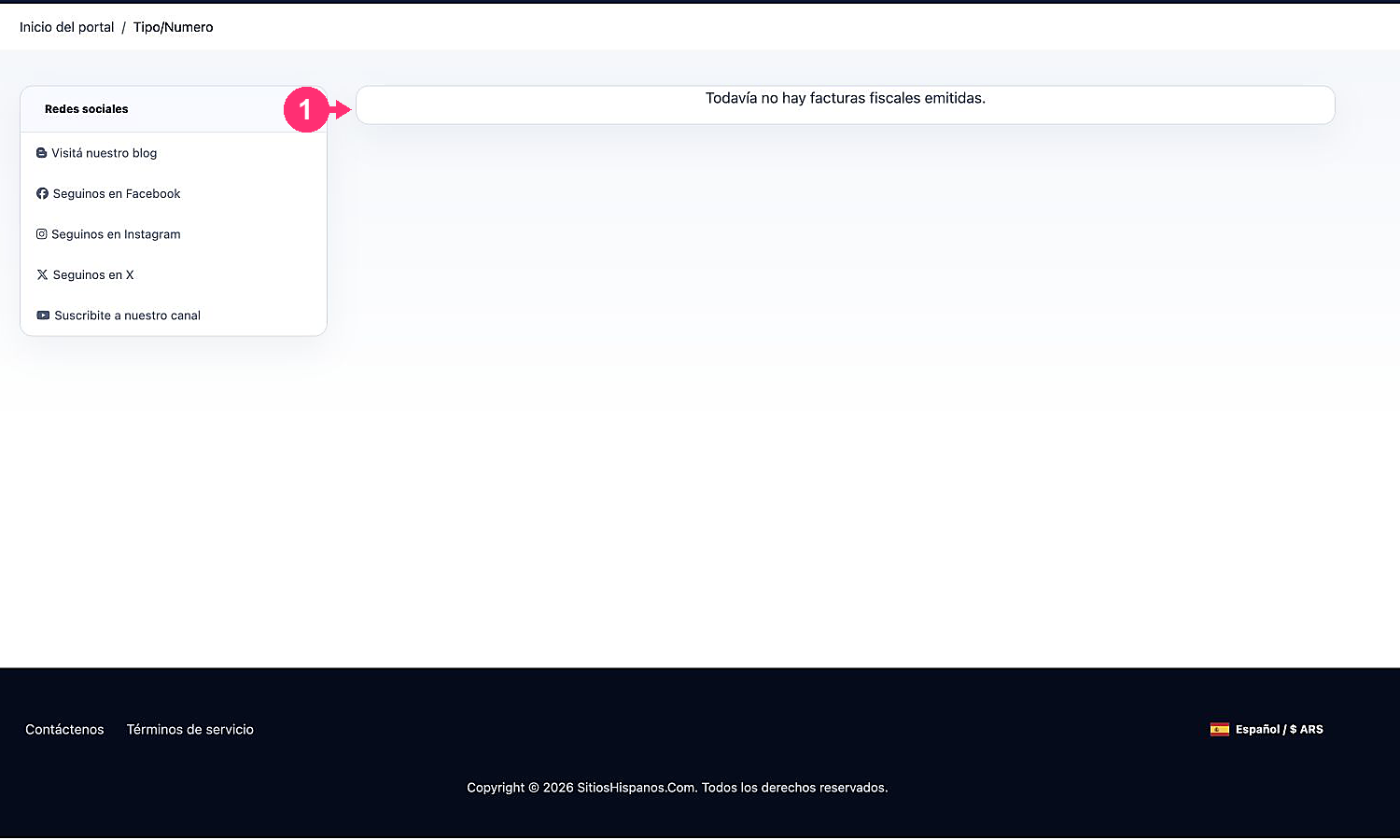
# ¿Cómo descargo las facturas fiscales?

Si deseás descargar la factura fiscal de un plan o servicio, seguí los siguientes pasos:

1. Ingresá a tu **Área de Cliente**. \
   Si no recordás como ingresar seguí este enlace: [Como acceder al Área de Cliente](/menu-principal/guias/area-de-cliente/acceso-al-area-de-clientes.md)
2. En tu **Área de Cliente** hacé clic en "**Facturación**" en el menú y seleccioná "**Mis Facturas Fiscales - AFIP**".

<figure><img src="/files/rOkIfEi8CYyiTMe7zJHh" alt=""><figcaption></figcaption></figure>

3. Encontrarás todas las facturas fiscales generadas. \
   Podrás verlas, presionando el botón azul o descargarlas, presionando el botón verde.

<figure><img src="/files/MKJCT2XD1HepqyFWd1xN" alt=""><figcaption></figcaption></figure>


---

# Agent Instructions: Querying This Documentation

If you need additional information that is not directly available in this page, you can query the documentation dynamically by asking a question.

Perform an HTTP GET request on the current page URL with the `ask` query parameter:

```
GET https://ayuda.sitioshispanos.com/menu-principal/guias/pagos-y-facturacion/como-descargo-las-facturas-fiscales.md?ask=<question>
```

The question should be specific, self-contained, and written in natural language.
The response will contain a direct answer to the question and relevant excerpts and sources from the documentation.

Use this mechanism when the answer is not explicitly present in the current page, you need clarification or additional context, or you want to retrieve related documentation sections.